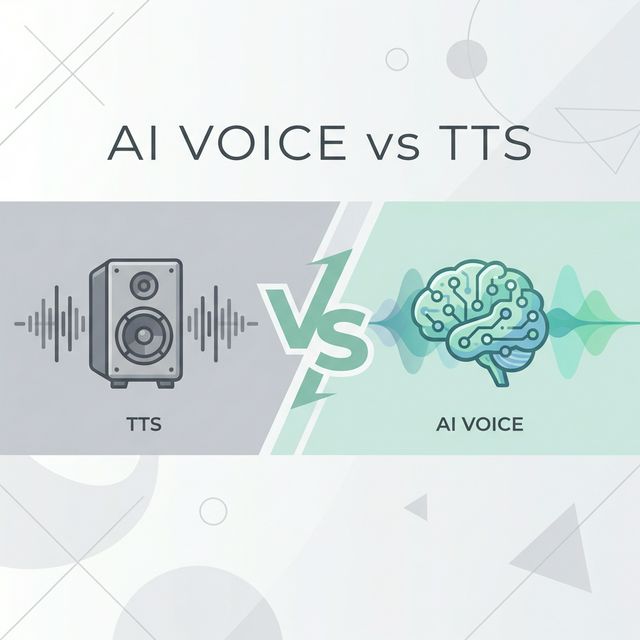
When most people think of text-to-speech (TTS) technology, they imagine a robotic voice reading plain text aloud—perhaps for accessibility purposes or to consume written content while multitasking. While these are certainly valuable applications, modern neural TTS voices have evolved far beyond these basic functions. Today's AI voice generators offer unprecedented natural-sounding speech that opens up a world of creative possibilities.
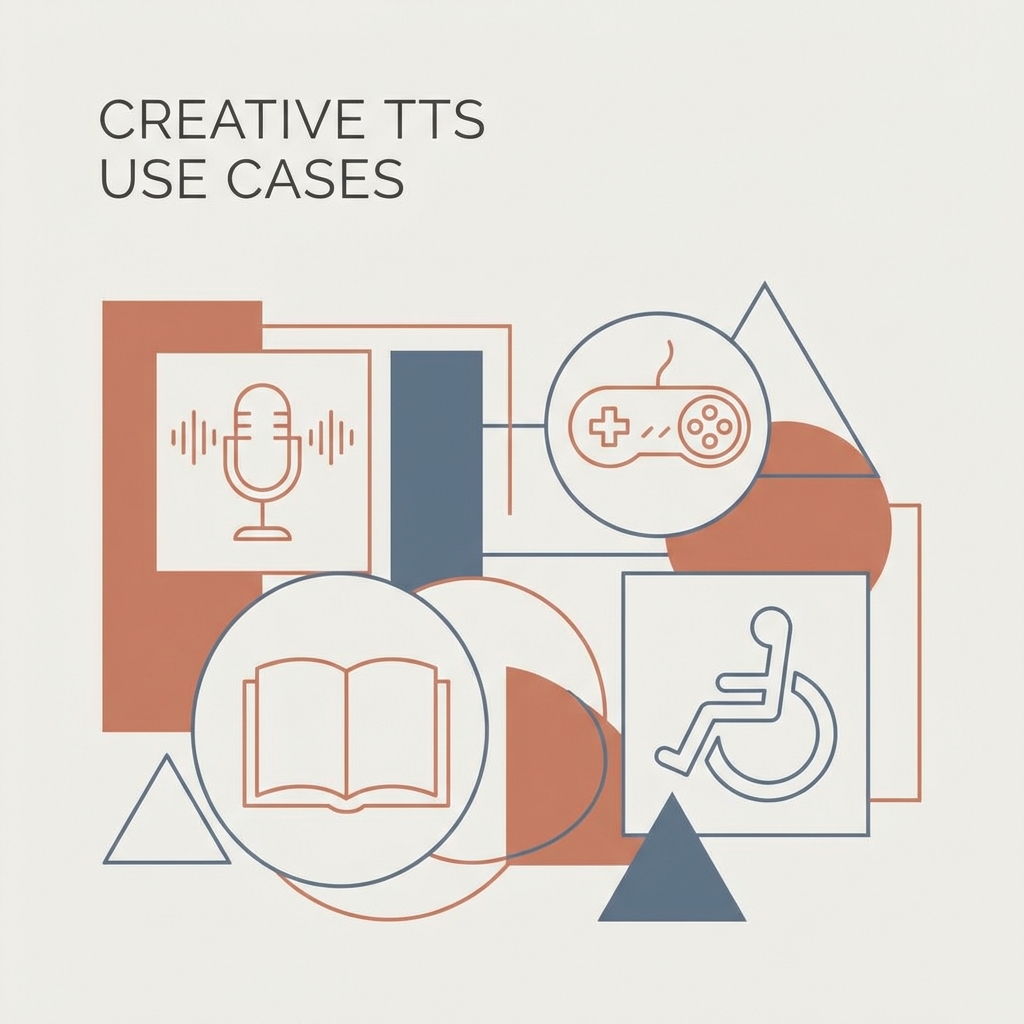
In this guide, we'll explore innovative and unexpected ways to use free text-to-speech technology that go well beyond basic narration. Whether you're a content creator, educator, developer, or business professional, these applications might inspire you to think differently about how TTS can enhance your projects.
Creative Content Production
Audio Dramas and Fiction Podcasts
Modern text-to-speech AI can breathe life into written stories in ways that weren't possible just a few years ago:
- Multiple Character Voices: Using different voice profiles for each character in a story creates an engaging audio drama experience.
- Emotional Variation: Many advanced TTS systems can apply different emotional tones, allowing for more nuanced storytelling.
- Sound Design Integration: Combine TTS-generated dialogue with background music and sound effects to create immersive audio productions.
Implementation Tip: When creating dialogue for different characters, organize your script into separate sections by character, then process each with a different voice profile on our platform.
Poetry and Spoken Word Performance
Poetry often relies on rhythm, timing, and emphasis—elements that today's neural TTS can handle with surprising effectiveness:
- Rhythm Experimentation: Test how different TTS voices interpret various poetic meters and structures.
- Multilingual Poetry: Create bilingual or multilingual poems where each language is rendered by a native-sounding voice.
- Slam Poetry Prototyping: Use TTS to test the flow and impact of spoken word pieces before performing them yourself.
Implementation Tip: Use punctuation strategically to guide the TTS engine's pacing and emphasis. Commas create brief pauses, while periods create longer ones—perfect for controlling poetic rhythm.
Interactive Learning Experiences
Language Learning Conversation Partners
Beyond just pronunciation examples, TTS can serve as an always-available conversation partner:
- Simulated Dialogues: Create realistic back-and-forth conversations that language learners can practice with.
- Vocabulary Building: Generate audio flashcards with the word, its definition, and example sentences.
- Accent Variation: Some TTS systems offer regional accent options, allowing learners to familiarize themselves with different ways a language is spoken.
Implementation Tip: Create a library of common phrases and responses in your target language, then use our free online text-to-speech tool to build an audio practice resource.
Interactive Children's Stories
TTS can transform static children's books into interactive experiences:
- Choose-Your-Own-Adventure: Create branching narratives where children can choose different story paths.
- Character Voices: Assign distinct voices to different characters to make the story more engaging.
- Learning Prompts: Incorporate questions and interactive elements that encourage critical thinking.
Implementation Tip: Use different voices, reading speeds, and emotional tones to distinguish characters and create a more immersive experience for young listeners.
Productivity and Personal Development
Audio Vision Boards and Affirmations
TTS can transform written affirmations and goals into powerful audio content:
- Daily Affirmations: Convert positive affirmations into audio files that can be played during morning routines.
- Visualization Scripts: Create guided visualization audio that describes your goals and aspirations in detail.
- Motivation Mixes: Combine motivational quotes with background music to create personalized motivation tracks.
Implementation Tip: Record your affirmations or vision statements with varying emotional tones for different psychological effects—confident for motivation, calm for relaxation, etc.
Audio Note-Taking and Idea Development
Transform how you capture and develop ideas with TTS:
- Voice Journaling: Convert typed journal entries into audio files for reflective listening.
- Idea Iteration: Type out an idea, listen to it read back, refine it, and repeat—a powerful way to develop concepts.
- Editing Assistance: Hearing your written work read aloud can reveal awkward phrasing and logical inconsistencies.
Implementation Tip: After writing a draft, run it through our AI speech generator and listen critically—you'll catch issues you might miss when reading silently.
Educational Innovation
Personalized Learning Materials
Teachers can use TTS to create custom resources for students:
- Differentiated Instruction: Create versions of the same content at different complexity levels or reading speeds.
- Multilingual Instructions: Generate instructions in multiple languages for diverse classrooms.
- Audio Study Guides: Transform written study materials into audio guides that students can listen to while commuting or exercising.
Implementation Tip: Break down complex topics into smaller audio modules that students can replay as needed until they understand the concept.
Interactive Quizzes and Assessments
Make assessments more engaging with TTS:
- Audio Question Banks: Create spoken questions that test listening comprehension along with subject knowledge.
- Feedback Narration: Provide personalized audio feedback on assignments using TTS.
- Audio Flashcards: Generate pronunciation-focused flashcards for language learning or terminology-heavy subjects.
Implementation Tip: For audio quizzes, include deliberate pauses in your text (using multiple periods or paragraph breaks) to give students time to think before hearing the answer.
Game Development and Interactive Media
Indie Game Voiceovers
Professional voice acting can be prohibitively expensive for indie developers:
- NPC Dialogue: Generate voice lines for non-player characters in games.
- Tutorial Narration: Create spoken tutorials to guide players through game mechanics.
- Dynamic Content: For games with procedurally generated content, TTS can create audio on the fly based on game conditions.
Implementation Tip: Process character dialogue in batches organized by emotion or intensity to maintain consistent character voice profiles throughout your game.
Interactive Fiction and Text Adventures
Breathe new life into text-based games:
- Narrated Text Adventures: Add spoken narration to text adventure games.
- Character Dialogue: Use different voices for different characters to enhance immersion.
- Ambient Narration: Describe environments and changes with background narration.
Implementation Tip: Use consistent voices for recurring characters or narrator roles to build player familiarity and connection.
Marketing and Business Applications
Interactive Product Demonstrations
Make product demos more engaging and accessible:
- Feature Walkthroughs: Create spoken explanations of product features that play as users explore a website.
- Video Demo Narration: Add professional-sounding narration to product demonstration videos.
- Multilingual Product Information: Provide product details in multiple languages without hiring separate voice talent.
Implementation Tip: Keep product narration concise and focused on benefits rather than just features. Use an enthusiastic tone setting in your TTS tool for marketing content.
Podcast Production and Enhancement
TTS can streamline podcast production in several ways:
- Intro/Outro Standardization: Create consistent introductions and closing segments.
- Ad Segment Creation: Generate professional-sounding advertisements or sponsorship messages.
- Content Repurposing: Transform written blog posts into podcast episodes quickly.
Implementation Tip: For podcast segments, edit your text to sound more conversational—use contractions, varying sentence lengths, and natural speech patterns.
Accessibility Beyond Basics
Customized Accessibility Solutions
Standard screen readers are helpful, but customized TTS applications can do more:
- Document Summarization: Convert long documents into spoken summaries for easier consumption.
- Navigation Assistance: Create audio guides for physical spaces or complex websites.
- Specialized Vocabulary Handling: Customize pronunciation for industry-specific terms, names, or technical jargon.
Implementation Tip: For specialized vocabulary, test multiple phonetic spellings to find the most accurate pronunciation, then save these for consistent future use.
Communication Assistance
TTS can serve as a communication aid in various scenarios:
- Speech Preparation: For those with speech anxiety, practice by hearing your presentation read in a confident tone.
- Communication Boards: Create audio outputs for communication boards used by non-verbal individuals.
- Voice Banking Alternatives: While not a replacement for professional voice banking, TTS can provide dignified communication options for those losing their speech.
Implementation Tip: When creating communication assistance tools, prioritize speed and clarity by keeping text concise and using appropriate pauses.
Experimental and Artistic Applications
Sound Art and Audio Installations
TTS can be used in contemporary art contexts:
- Generated Poetry: Create algorithmic poetry that's rendered through TTS into spoken word art.
- Audio Installations: Use TTS voices as elements in gallery installations or interactive exhibits.
- Voice Overlays: Layer multiple TTS voices speaking related texts to create textured sound experiences.
Implementation Tip: Experiment with different languages, voices, and speeds to create contrasting or harmonizing effects in artistic applications.
Music Production Elements
Incorporate TTS into music in creative ways:
- Vocal Samples: Generate spoken word or vocalized sounds to sample in music production.
- Narrated Interludes: Create spoken interludes between tracks on an album.
- Lyric Ideation: Use TTS to hear how written lyrics might sound when sung, helping with rhythm and flow.
Implementation Tip: Process TTS output through audio effects like reverb, delay, or pitch shifting to create unique vocal textures for music production.
Future-Forward Applications
IoT and Smart Home Integration
As smart home technology evolves, personalized TTS becomes increasingly valuable:
- Custom Notifications: Create unique spoken alerts for different smart home events.
- Personalized Assistants: Develop more personalized voice assistant responses for specific family members.
- Ambient Information: Design systems that verbally communicate important but non-urgent information throughout your day.
Implementation Tip: Keep smart home voice notifications brief and distinctive so they can be easily recognized without becoming intrusive.
Virtual Reality Enhancement
TTS can improve immersion in VR experiences:
- Dynamic Narration: Create context-sensitive narration that responds to user actions in VR.
- Character Interactions: Populate virtual worlds with characters who can engage in basic conversations.
- Accessibility Descriptions: Generate spoken descriptions of visual elements for visually impaired VR users.
Implementation Tip: In VR applications, consider spatial audio positioning—indicate in your text where voices should appear to come from in the 3D environment.
Tips for Getting the Most from TTS in Creative Projects
Voice Selection Strategies
Choosing the right voice is critical for creative applications:
- Character Matching: Select voices that match the personality of fictional characters.
- Brand Alignment: For business applications, choose voices that reflect your brand's personality.
- Emotional Appropriateness: Consider the emotional context when selecting a voice tone.
Text Optimization Techniques
The way you format your text significantly impacts TTS quality:
- Phonetic Spelling: For uncommon words or names, try phonetic spelling to improve pronunciation.
- Strategic Punctuation: Use punctuation to control pacing, emphasis, and tone.
- Contextual Hints: Add descriptive context in parentheses (like "whispered:" or "excitedly:") to guide interpretation.
Post-Processing Possibilities
TTS output can be enhanced through audio editing:
- Background Scoring: Add music or ambient sounds to complement the spoken content.
- Audio Effects: Apply subtle effects like room reverb to place voices in specific environments.
- Timing Adjustments: Edit the audio to improve pacing or synchronize with other media elements.
Conclusion: The Expanding Horizon of TTS Applications
As neural text-to-speech technology continues to improve, the creative possibilities will only expand. What began as a simple utility for converting text to speech has evolved into a versatile creative tool with applications across education, entertainment, art, business, and personal development.
The key to unlocking these creative possibilities lies in thinking beyond TTS as merely a reading tool and instead viewing it as a flexible voice generation system capable of emotion, character, and nuance. With the right approach, even free TTS converter services can produce results that would have seemed impossible just a few years ago.
Ready to explore these creative applications yourself? Try our free online text-to-speech tool and start experimenting with these ideas today. The only limit is your imagination!