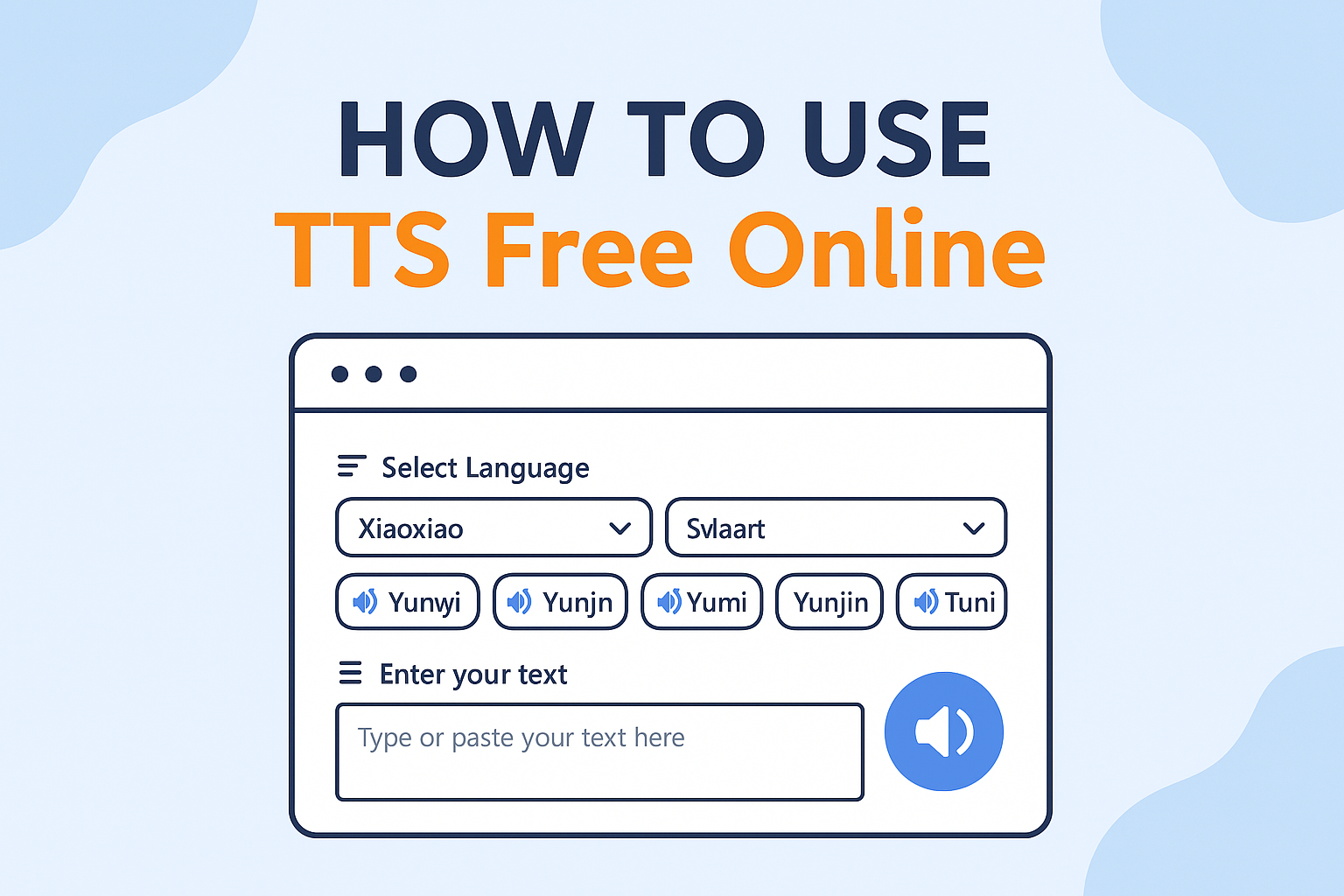
Welcome to our comprehensive guide on using TTS Free Online - your go-to solution for converting text to natural-sounding speech. In this tutorial, we'll walk you through every step of using our powerful yet user-friendly text-to-speech tool that supports multiple languages and voices.
What is Text-to-Speech Technology?
Text-to-speech (TTS) technology converts written text into spoken voice output. Our free online TTS service uses advanced neural networks to generate natural-sounding speech that closely mimics human voices. The technology analyzes text, understands context, and applies appropriate intonation and pronunciation patterns to create audio that sounds remarkably human-like.
Getting Started with Our Free Text-to-Speech Converter
Step 1: Access the Text-to-Speech Generator
Navigate to our homepage where you'll find our intuitive text-to-speech interface. No sign-up, registration, or software download is required - our tool works directly in your web browser.
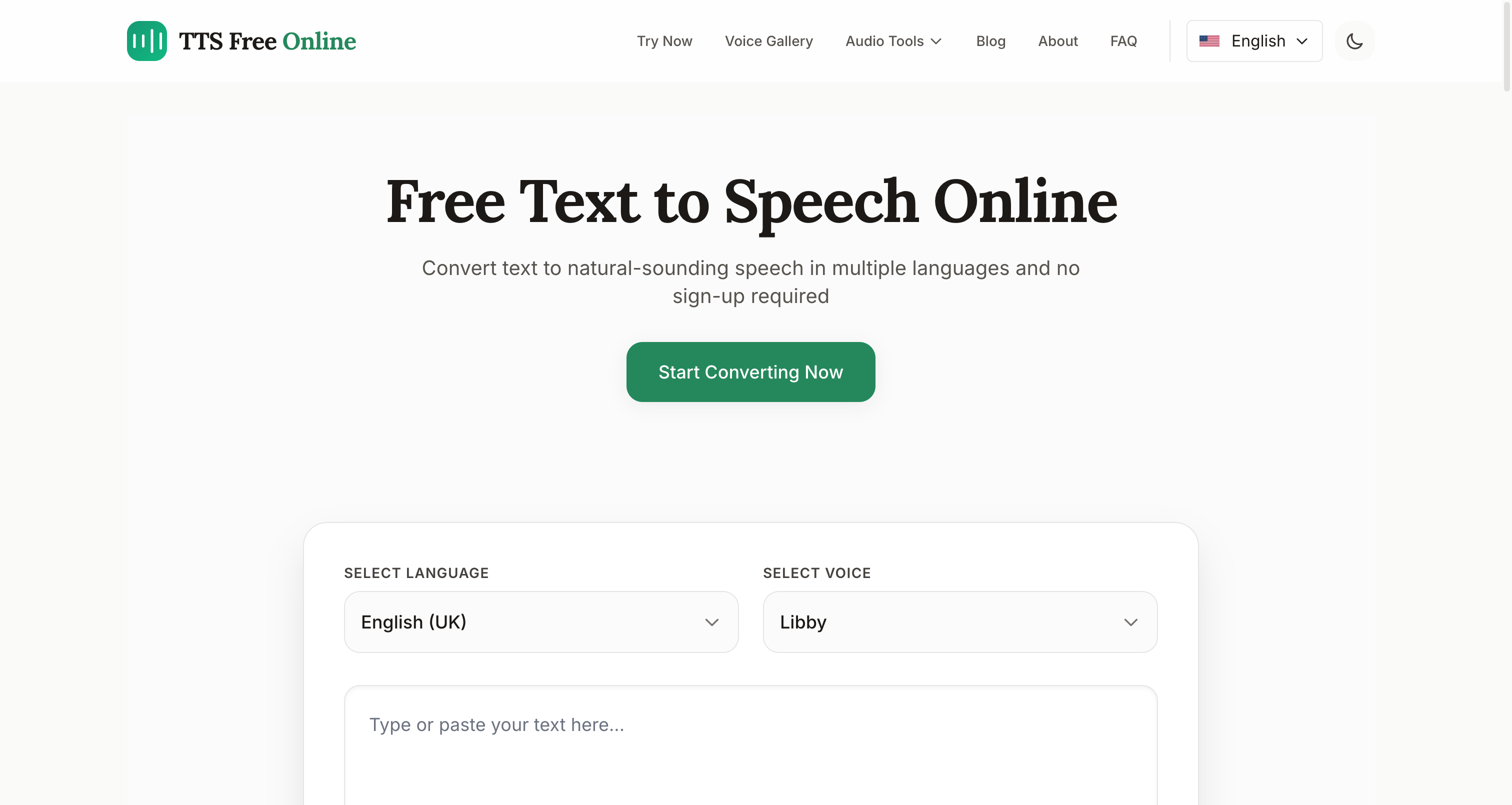
Step 2: Enter Your Text
In the text box provided, type or paste the text you want to convert to speech. Our system can handle various text lengths, though we recommend keeping each conversion under 5000 characters for optimal performance. For longer texts, you can split them into multiple sections and convert them separately.
Step 3: Select Your Language and Voice
From the dropdown menu, choose your preferred language. Our service supports a wide range of languages including:
- English (US, UK, Australia, Canada)
- Chinese (Simplified, Traditional, Cantonese)
- Japanese
- Korean
- French
- German
- Spanish
- Italian
- Russian
- And many more!
After selecting the language, choose from our variety of voices. Each language offers multiple voice options with different tones and accents to suit your specific needs.
Step 4: Generate Speech
Click the "Generate" button to convert your text to speech. Our advanced AI will process your text and create natural-sounding audio in seconds.
Step 5: Listen and Download
Once generation is complete, you'll see our audio player appear with your generated speech. You can:
- Play the audio to preview it
- Adjust volume as needed
- Download the MP3 file for future use
- Generate a new audio file with different text or voice
Advanced Tips for Using Our Text-to-Speech Tool
Optimizing Your Text for TTS Conversion
For the most natural-sounding results (see our Best Practices for more details):
- Use proper punctuation to create appropriate pauses
- Break up long sentences
- Check spelling to ensure correct pronunciation
- Use simpler words for technical terms when possible
Using TTS for Different Applications
Our free text-to-speech converter is perfect for:
- Content Creation
- Create voiceovers for videos
- Add narration to presentations
- Generate podcast snippets
- Accessibility
- Make content accessible to visually impaired users
- Create audio versions of written materials
- Support individuals with reading difficulties
- Language Learning
- Hear correct pronunciation of foreign languages
- Create audio flashcards for vocabulary practice
- Listen to texts in languages you're learning
- Personal Use
- Convert articles to audio for listening on-the-go
- Create personalized voice messages
- Generate audio notes for studying
Common Questions About Our Text-to-Speech Service
Is the service really free?
Yes! Our online text-to-speech converter is completely free to use. You can generate and download as many audio files as you need without any cost, hidden fees, or usage limits.
How natural do the voices sound?
Our TTS service uses state-of-the-art neural voice technology to produce highly natural-sounding speech. The voices include proper intonation, emphasis, and natural pauses, making them sound very close to human speech.
Can I use the generated audio files for my projects?
Absolutely! You can use the generated speech for personal projects, content creation, accessibility features, learning aids, or any other non-commercial use. Simply download the MP3 file after generation. The audio files are yours to keep and use.
What are the text length limits?
While our service can handle long texts, we recommend keeping each conversion under 5000 characters for optimal performance. For longer texts, you can split them into multiple sections and convert them separately.
Why Choose Our Free Text-to-Speech Service?
- High-Quality Neural Voices: Our technology produces some of the most natural-sounding synthetic speech available online.
- Completely Free: No hidden costs, subscriptions, or credit card requirements.
- Multiple Languages and Voices: Choose from dozens of languages and voices to find the perfect match for your project.
- Easy to Use: Our intuitive interface makes it simple to convert text to speech in just a few clicks.
- No Registration Required: Start using the service immediately without creating an account.
- Instant Downloads: Get your audio files instantly and use them however you need.
Start Using Our Free Text-to-Speech Tool Today
Ready to convert your text to natural-sounding speech? Visit our text-to-speech generator now and experience the quality and convenience of our service. Whether you're creating content, improving accessibility, learning languages, or just exploring text-to-speech technology, our free online tool makes it easy to transform text into lifelike speech in seconds.
For more information about our service, check out our frequently asked questions page or contact our support team.