Finding the right text-to-speech (TTS) platform can feel overwhelming. Each tool promises natural voices, wide language support, and generous limits—but the reality varies a lot. To save you time, we tested five of the most popular free TTS tools that creators, educators, and businesses rely on in 2025.
Below you’ll find the evaluation criteria that matter most, detailed breakdowns of each platform, and a side-by-side comparison table. Use it to pick the service that fits your workflow today—and see why tts-free.online delivers the strongest all-round value.
How we evaluated each TTS tool
To make the comparison fair, every product was measured against the same checkpoints:
- Voice realism and variety – Do the neural voices sound natural and are there enough styles to match different content types?
- Language coverage – How many languages and accents are available on the free plan?
- Usage limits – Character caps, daily quotas, or time-based restrictions that affect production.
- Ease of use – Is the interface beginner-friendly and can you export MP3/WAV quickly?
- Commercial usage – Are you allowed to monetize the generated audio without extra licensing?
- Pricing upgrade path – What happens if you need more usage or advanced features later on?
The five platforms we tested
1. tts-free.online – Unlimited, browser-based, and ready right now
- Voice quality: Lifelike neural voices with expressive pacing and built-in SSML support.
- Languages: 30+ languages and dialects with instant switching.
- Limits: Completely free with no caps on characters, downloads, or projects.
- Workflow perks: Clean interface, ability to save presets, and fast MP3 rendering for long scripts.
- Best for: Creators who want maximum flexibility without paying or managing API quotas.
2. Google Cloud Text-to-Speech (Free Tier)
- Voice quality: Studio-grade WaveNet and Neural2 voices with rich prosody.
- Languages: 40+ languages, including regional variants for English, Spanish, and Portuguese.
- Limits: First 1 million characters per month for standard voices and 500,000 for WaveNet are free; billing account required.
- Workflow perks: Deep SSML control and integration with other Google Cloud services.
- Best for: Developers who need to embed TTS in applications and are comfortable with APIs.
3. Microsoft Azure Speech (Free Tier)
- Voice quality: Natural neural voices with style controls such as "news", "chat", and "narration".
- Languages: 140+ voices across 45+ languages.
- Limits: 0.5 million characters per month free; requires Azure subscription and resource setup.
- Workflow perks: Speech Studio web UI plus SDKs for C#, Python, and JavaScript.
- Best for: Teams that already use Azure and want TTS alongside translation, speech-to-text, and custom voice training.
4. NaturalReader Online (Free Plan)
- Voice quality: Pleasant, easy-to-understand neural voices with a few premium options locked behind upgrade.
- Languages: 20+ languages, though some high-quality voices are premium-only.
- Limits: Free plan includes limited daily usage and requires login; watermark on commercial downloads.
- Workflow perks: Browser-based with document upload, Chrome extension, and pronunciation editor.
- Best for: Individuals who occasionally need to listen to articles, PDFs, or study notes.
5. ElevenLabs Free Plan
- Voice quality: Highly realistic voices with advanced emotion controls; supports voice cloning on paid tiers.
- Languages: 30+ languages with multi-speaker dubbing option.
- Limits: 10,000 characters per month on the free plan; strict content policy and attribution rules.
- Workflow perks: API access, instant voice design, and community voice marketplace.
- Best for: Storytellers and indie studios who need cinematic narration and plan to upgrade eventually.
Side-by-side comparison
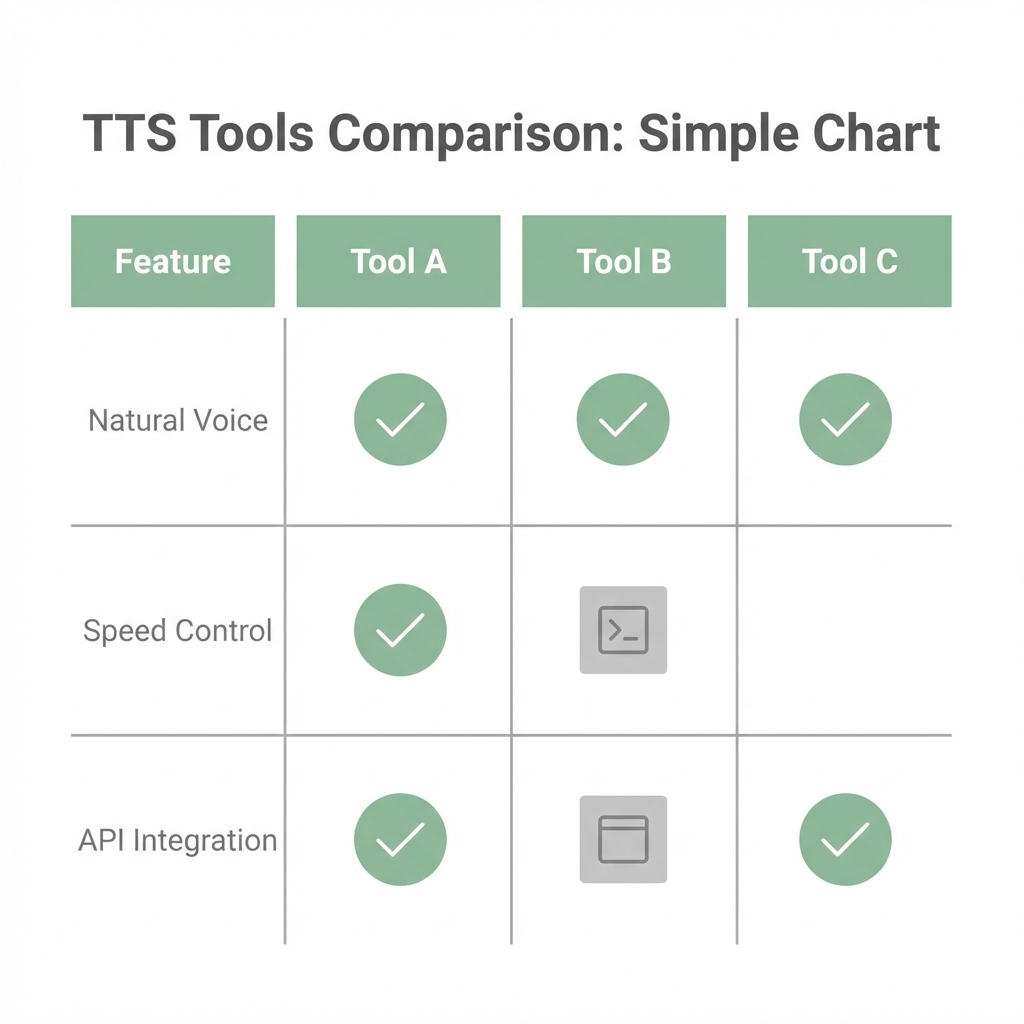
| Platform | Voices & Styles | Languages | Free Limits | Commercial Use | Setup Difficulty |
|---|---|---|---|---|---|
| tts-free.online | 40+ neural voices, SSML prosody | 30+ | Unlimited characters & downloads | Yes, royalty-free | None – start instantly |
| Google Cloud TTS | WaveNet & Neural2 voices | 40+ | 1M standard / 0.5M WaveNet chars per month | Yes, with billing | Medium – requires console setup |
| Azure Speech | Neural voices with style control | 45+ | 0.5M chars per month | Yes, with Azure account | Medium – portal configuration |
| NaturalReader | Neural & premium voices | 20+ | Daily quota, login required | Limited on free plan | Low |
| ElevenLabs | Expressive, emotive voices | 30+ | 10k chars per month | Personal use only on free plan | Low |
Why tts-free.online stands out
While cloud providers offer impressive quality, they come with configuration overhead and eventual bills. Consumer tools feel approachable but cap your usage quickly. tts-free.online bridges the gap:
- Generate unlimited scripts of any length—ideal for e-learning, audiobooks, podcasts, and localization.
- Download clean MP3 files with no watermarks, attribution requirements, or hidden fees.
- Switch between languages in one click to reach global audiences without juggling multiple services.
- Use SSML to add pauses, emphasis, and pacing adjustments for more natural storytelling.
Picking the right tool for your project
- Budget-conscious creators should start with tts-free.online for unlimited production.
- Developers building apps may prefer Google Cloud or Azure Speech for their SDKs and APIs.
- Occasional listeners can stay with NaturalReader for its document-friendly interface.
- Narrative-heavy producers who need emotional control can experiment with ElevenLabs, upgrading when necessary.
No matter which path you choose, bookmark this comparison for future reference. And when you’re ready to create natural, multilingual audio without limits, start using tts-free.online today. For tips on getting the best results, don't miss our How-to Guide.