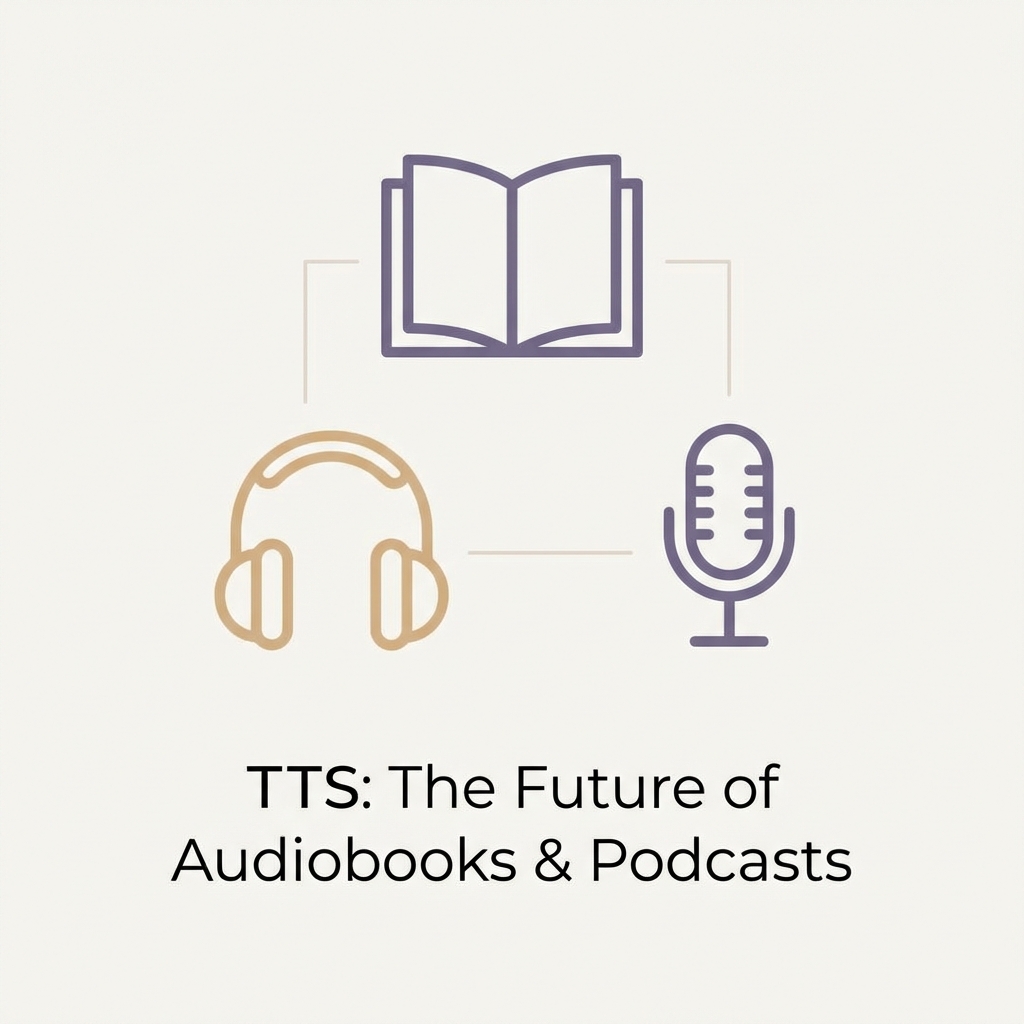
Turning written stories into immersive audio is easier than ever thanks to modern text-to-speech technology. Whether you’re an indie author, blogger, or educator, this step-by-step guide shows you how to transform manuscripts and articles into polished audiobooks and podcasts using tts-free.online.
Understand the opportunity
- Audiobooks are booming: Global audiobook revenue is projected to surpass $20 billion by 2025 as more listeners consume content on the go.
- Podcasts keep expanding: Short-form knowledge shows and serialized fiction rely on fast production cycles—exactly where AI narration shines.
- Accessible for solo creators: Free TTS tools eliminate the need for recording gear or studio time.
Step 1: Prepare your script
- Break chapters into manageable sections (1,000–2,000 words) so you can edit and render in batches.
- Add stage directions for tone or characters using brackets, e.g.,
[calm narrator]or[excited]. - Simplify long sentences and note any unusual pronunciations for easy SSML tweaking later.
Step 2: Choose the right voice
- Match the voice to your genre: warm and steady for nonfiction, expressive for fiction, playful for children’s stories.
- Consider multilingual versions to reach broader audiences—tts-free.online supports 30+ languages.
- Test different voices for main characters versus narrators and save the presets you love.
Step 3: Generate audio in chapters
- Paste your prepared script into tts-free.online.
- Select language, voice, speed, and optional SSML tags (pauses, emphasis, pronunciation).
- Generate and preview each section, making micro edits to pacing or word choices.
- Download the MP3 files and label them clearly (e.g.,
book-title_chapter-01.mp3).
Step 4: Edit and assemble
- Use free audio editors such as Audacity, Descript, or GarageBand to merge chapters.
- Add intro/outro music, adjust loudness to -16 LUFS for podcasts or -18 LUFS for audiobooks, and balance background tracks.
- Insert clean pauses between scenes so listeners can follow the narrative.
Step 4.5: Keep quality consistent across episodes
Consistency is what makes AI narration feel “professional” instead of “generated.” A quick checklist:
- Keep one voice preset for your narrator (same voice, speed, and tone).
- Create a short pronunciation list for names, brands, and places.
- Reuse the same intro/outro template and music bed.
- Normalize loudness the same way every time (-16 LUFS podcasts is a common target).
If you’re converting very long scripts, it may be easier to work in chunks: Free TTS for Long Text.
Step 5: Publish and distribute
- Audiobooks: Upload to platforms like Ximalaya, Audible (via ACX), or Kobo Writing Life. Follow their metadata and cover art requirements.
- Podcasts: Host on Anchor, Podbean, or RSS.com. Submit your feed to Apple Podcasts, Spotify, and Google Podcasts.
- Share behind-the-scenes clips on social media, linking back to the written version and your TTS-powered workflow.
Metadata and packaging tips
- Titles and chapter names: Keep them consistent between text and audio so listeners can navigate easily.
- Cover art: Use a single cover per series, and update only when you have a clear rebrand.
- Chapters: Export one file per chapter/segment, then merge only when required by the platform.
- Transcripts: Publishing transcripts improves accessibility and makes episodes easier to search.
Rights and disclosure (don’t skip this)
- Only publish audio for text you own or have permission to use.
- If you’re adapting blog posts or articles, include a credit/backlink to the original.
- Consider a brief disclosure when appropriate (e.g., “Generated from text with AI narration”).
FAQ
Should I publish audio and text together? Yes—text helps search and accessibility, while audio improves engagement and makes content easier to consume on the go.
Do I need perfect pronunciation on day one? No. Start with a short pronunciation list, collect listener feedback, and regenerate only the segments that need fixes.
Keep iterating with listener feedback
Ask your audience for pronunciation corrections, pacing preferences, and favorite voices. Because you can regenerate segments instantly, updates are easy—something traditional recording can’t match.
Ready to produce your first audiobook or podcast episode? Launch the tts-free.online studio and turn your words into binge-worthy audio today.