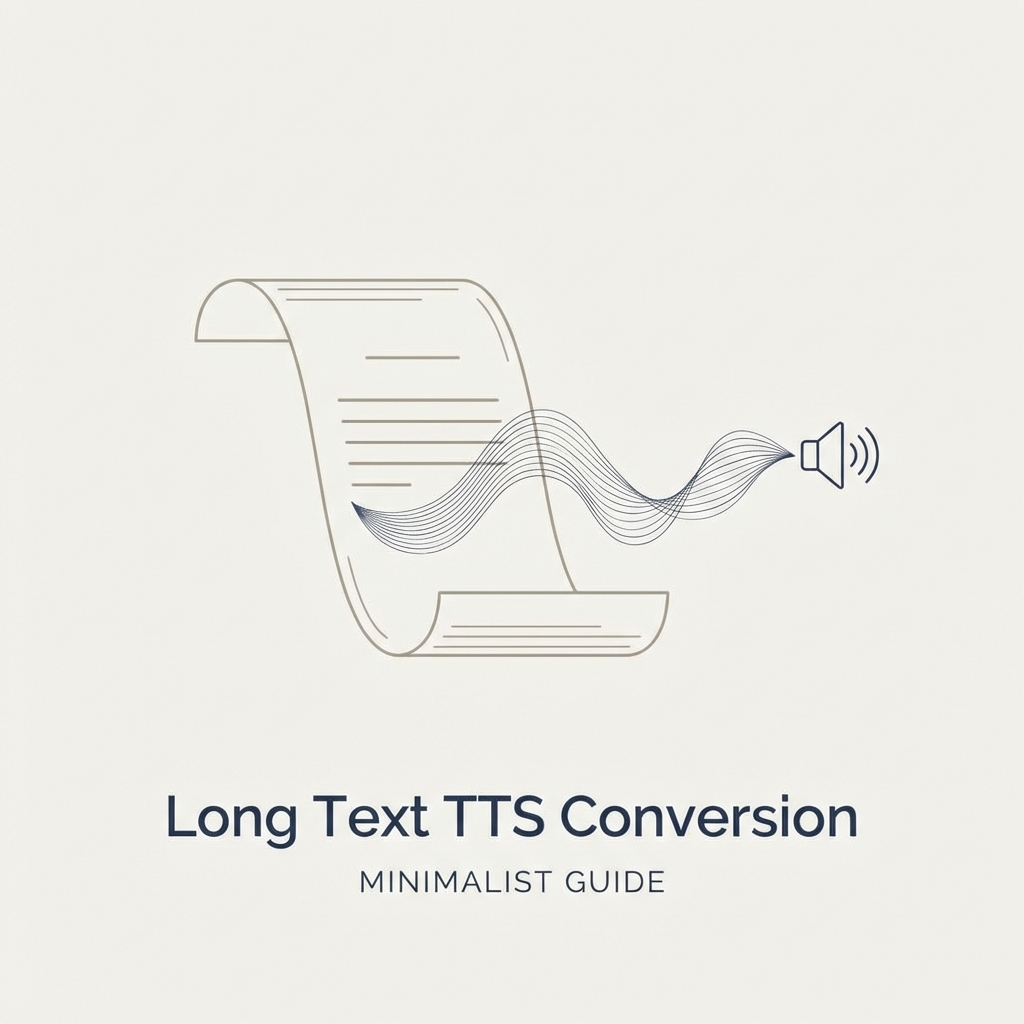
In today's digital world, the need to consume lengthy content efficiently has never been greater. Whether you're dealing with research papers, lengthy articles, ebooks, or business documents, converting these extensive texts into audio format provides a practical solution for busy professionals, students, and avid readers. Our free text-to-speech online service offers a powerful way to transform long documents into natural-sounding audio without the limitations typically found in other tools.
The Challenge of Long-Form Content
Traditional reading methods can be time-consuming and sometimes impractical, especially when dealing with extensive documents. Many of us struggle with:
- Time constraints that make it difficult to sit down and read lengthy materials
- Eye strain and fatigue from extended screen time
- The need for multitasking while still absorbing important information
- Accessibility requirements for those with visual impairments or reading difficulties
Most free text-to-speech tools impose strict character limitations that make them impractical for lengthy documents. Our tool is specifically designed to handle extensive text while maintaining high-quality voice output.
How Our Free Long-Text TTS Tool Works
Our text-to-speech converter stands out from other solutions through its ability to process substantial amounts of text without compromising on quality. Here's what makes our tool exceptional for long-form content:
1. Generous Character Allowance
While many free tools cap their limit at 500-1000 characters, our service allows up to 5000 characters per conversion. This means you can convert several pages of text in a single operation without hitting frustrating limits.
2. Advanced Text Segmentation
For documents exceeding the character limit, our intelligent text segmentation feature automatically divides your content into natural segments, ensuring smooth transitions between audio files. This creates a seamless listening experience even for very lengthy documents.
3. Natural-Sounding Neural Voices
Our tool utilizes cutting-edge neural TTS technology to generate remarkably human-like speech. The voices understand context, apply appropriate emphasis, and pronounce words naturally - creating an engaging listening experience even for long documents.
4. Multi-Language Support for Extensive Content
Need to convert long documents in different languages? Our tool supports numerous languages and regional accents, making it ideal for:
- Academic research in foreign languages
- International business documents
- Language learning materials
- Multilingual content creation
Practical Applications for Long-Text Conversion
Converting extensive documents to speech opens numerous possibilities:
Academic Research and Study
Students and researchers can convert lengthy academic papers, textbooks, and study materials into audio format. This enables:
- Reviewing materials while commuting
- Creating audio study guides from comprehensive notes
- Improving information retention through multi-sensory learning
- Making research more accessible for those with reading difficulties
Professional Development and Business
Professionals can transform extensive business documents, reports, and industry publications into audio:
- Convert lengthy market reports for listening during travel
- Transform technical documentation into easily digestible audio
- Create audio versions of business books and professional development materials
- Make company communications more accessible
Content Creation and Publishing
Content creators can leverage long-text TTS for:
- Converting blog articles into podcast-like audio content
- Creating accessible versions of ebooks and online publications
- Developing audio versions of scripts and screenplays
- Building audio archives of extensive written content
Language Learning and Accessibility
Our tool proves invaluable for:
- Converting lengthy language learning texts with proper pronunciation
- Making educational materials accessible for visually impaired users
- Assisting dyslexic readers with lengthy documents
- Supporting ESL learners with pronunciation and comprehension
How to Convert Long Documents to Speech
Converting your extensive documents is straightforward with our tool:
- Prepare your text: Copy your long document or type directly into our text input field
- Select language and voice: Choose from our wide range of natural-sounding voices
- Convert to speech: Click the generate button to convert your text
- Download or play: Listen directly or download the audio file for later use
For extremely long documents, consider these tips:
- Break content at natural stopping points like chapter breaks or section headers
- Maintain consistent voice and language settings between segments
- Organize audio files sequentially for easy playback
Advantages Over Other Free TTS Solutions
When dealing with lengthy content, our tool offers several advantages:
| Feature | Standard Free TTS Tools | Our Long-Text Solution |
|---|---|---|
| Character Limit | Typically 500-1000 characters | Up to 5000 characters per conversion |
| Voice Quality | Often robotic or mechanical | Natural neural voices with appropriate intonation |
| Language Support | Limited language options | Extensive multilingual support |
| Segmentation | Manual splitting required | Intelligent text segmentation |
| Output Quality | Variable audio quality | Consistent high-quality audio |
| Accessibility | Limited features | Designed for accessibility needs |
Getting the Most from Long Audio Conversions
To maximize the effectiveness of your audio conversions:
Optimization Tips
- Structure your content with clear headings and sections to create natural audio breaks
- Remove unnecessary elements like URLs, reference numbers, or formatting codes that don't translate well to speech
- Consider listening context - simplify complex content that will be consumed in audio-only format
- Use punctuation strategically to create appropriate pauses and intonation in the audio
Managing Large Documents
For particularly extensive documents:
- Create a logical file naming system for audio segments
- Consider converting chapter-by-chapter for books and lengthy publications
- Use audio editing tools to combine segments if needed
- Create a table of contents with timestamps for easy navigation
Conclusion: Transforming Long-Form Reading into Listening
Our free text-to-speech tool for long content makes it possible to consume extensive written materials in situations where reading isn't practical. By converting lengthy documents into high-quality audio, you can maximize your time, reduce eye strain, and access information in more flexible ways.
Ready to transform your lengthy documents into engaging audio? Try our free text-to-speech tool today and experience the difference our specialized long-text conversion makes. No registration required - just paste your content and convert it to natural-sounding speech immediately.
Whether you're a student tackling extensive research, a professional managing lengthy reports, or simply someone who prefers listening to reading, our tool provides the solution you need for efficient long-content consumption.